

You don’t need to install a license server as a single user. Your workstation will receive a node-locked license file. Follow the steps in the license manager dialog that appears when you first start the software and click “Select License File”.
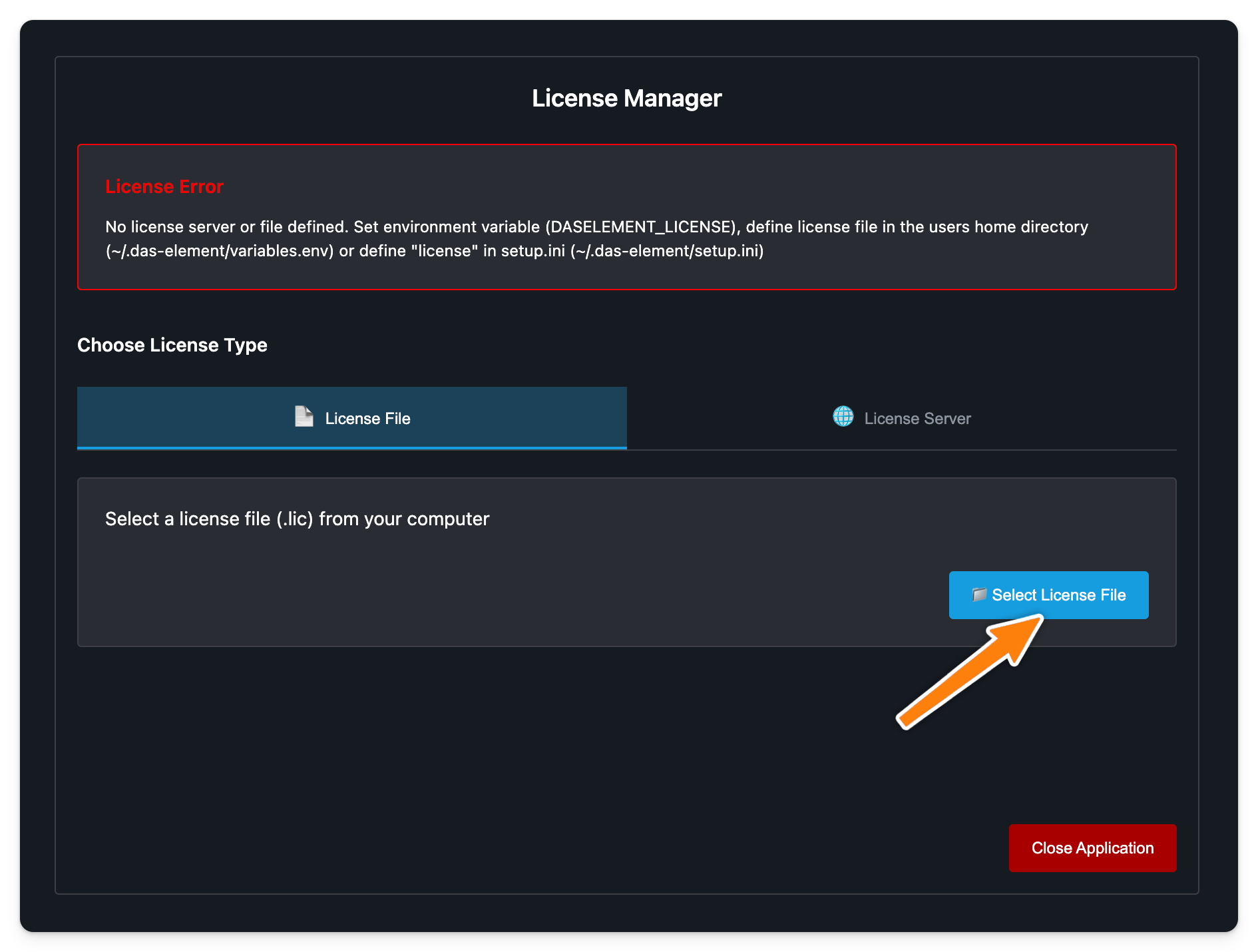
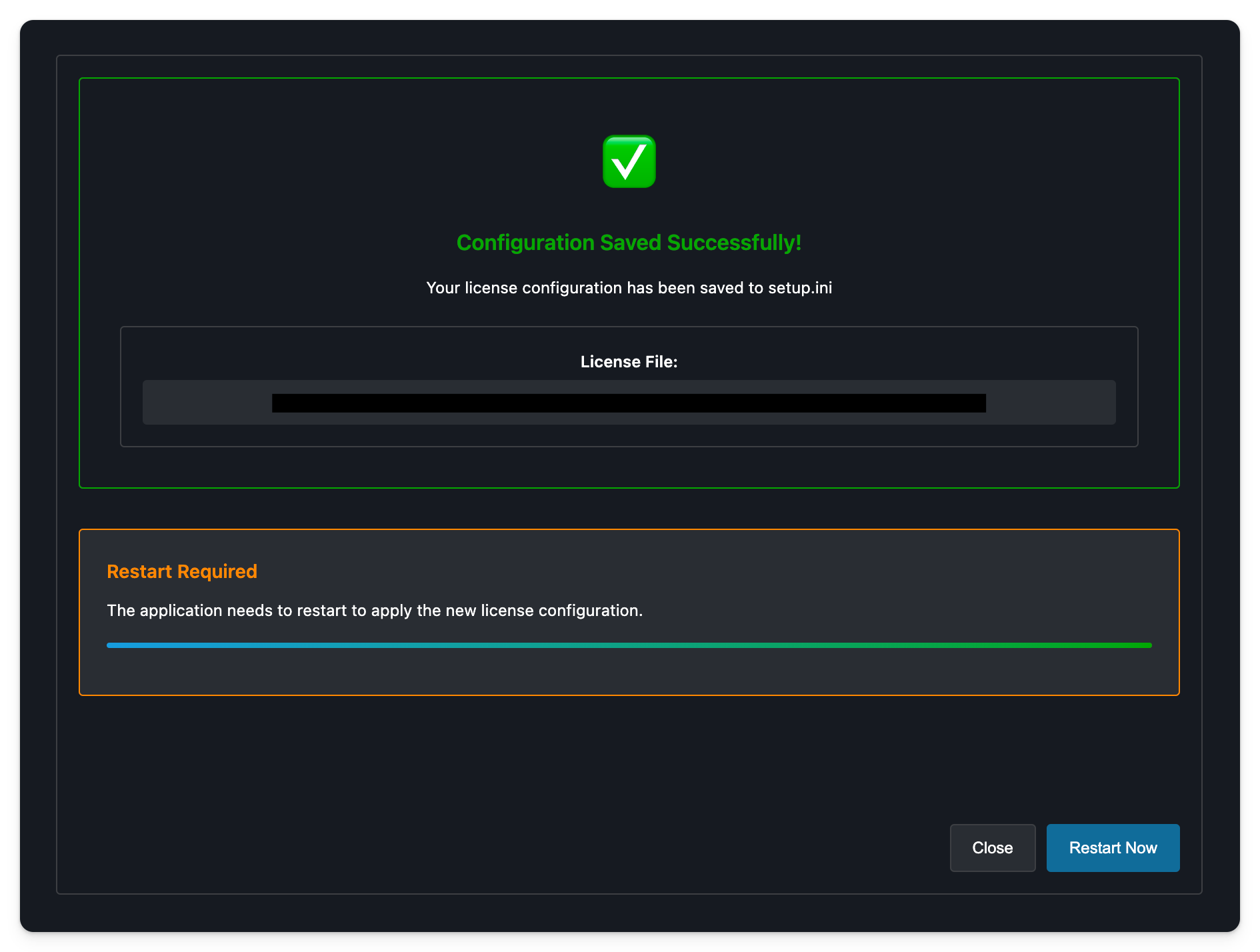
You need a valid license file in order to start the application.
To receive your license file, please send the order ID as well as the host name and host ID (MAC address) of your license server to support@das-element.com
[legacy] Setup license file
-
Download the file to your computer
-
Edit the
variables.envfile in the.das-elementfolder:-
Linux/MacOS:
~/.das-element/variables.env -
Windows
%homepath%/.das-element/variables.env
-
-
Edit this line to point to your license file:
-
DASELEMENT_LICENSE=/path/to/license/daselement.lic
-
-
Start the application
[legacy] Setup local license server
An alternative approach is to start a local license server instance.
-
copy the license file in a folder called
licensein your local.das-elementfolder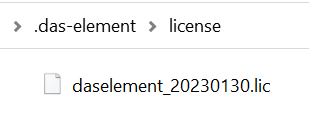
-
Linux/MacOS:
~/.das-element/license -
Windows
%homepath%/.das-element/license
-
-
edit the
variables.envfile and add this line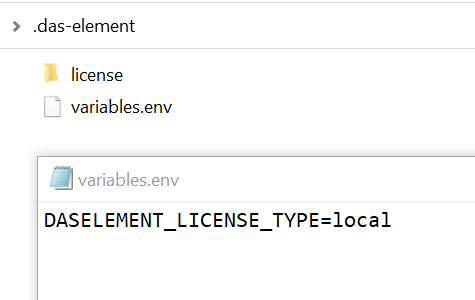
DASELEMENT_LICENSE_TYPE=local -
start the application
You may need to create the license folder if it doesn’t exist yet.
Troubleshooting
Follow this link for troubleshooting suggestions: Troubleshooting