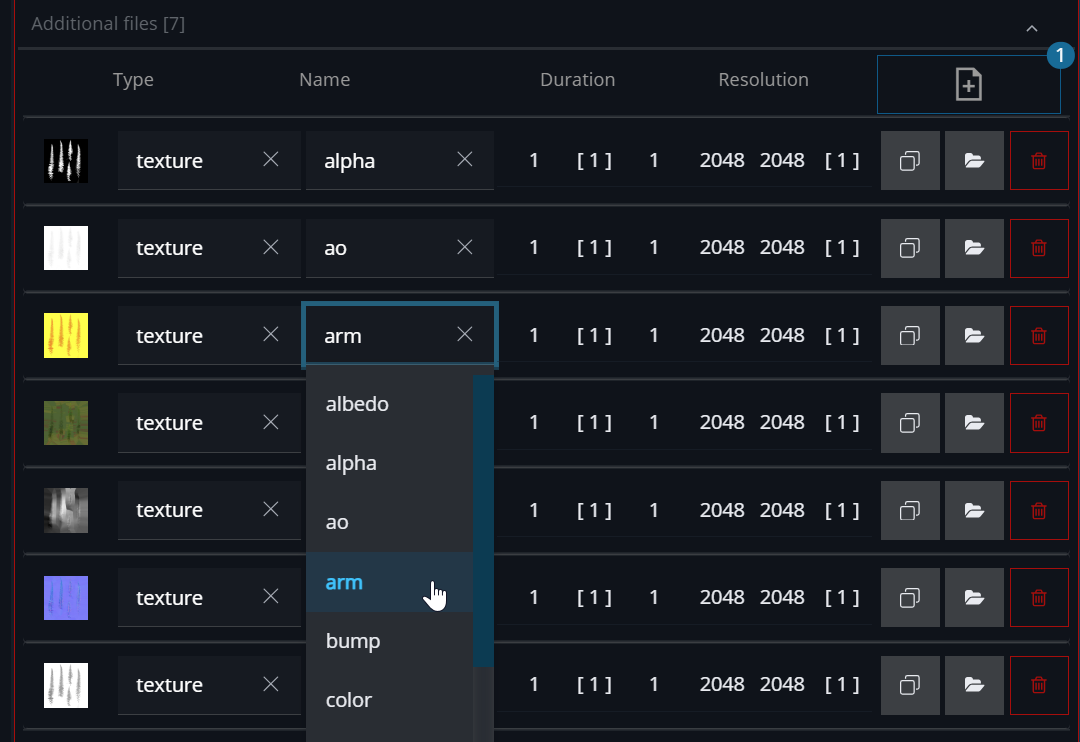

Additional files like texture files, references or render layers that are rendered in a sepeare file or sequence can be added to an element.
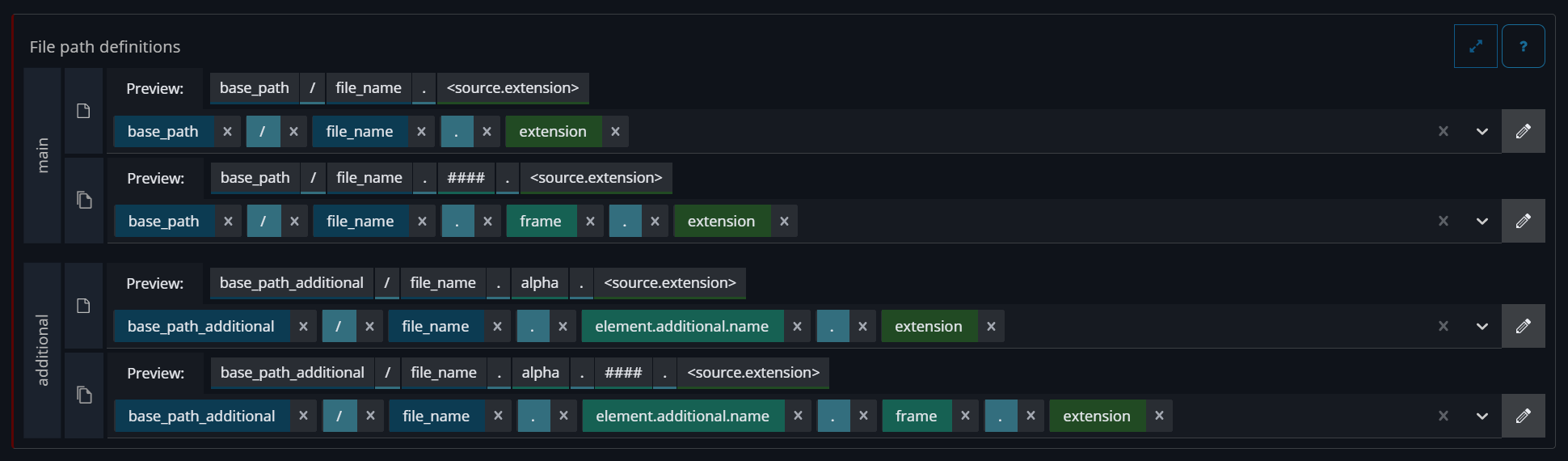
Naming convention and folder structure
In the settings → File path defintion it can be configured where the additional file will be saved on disk.
Adding additional files during the ingest
During the ingest the additional files can be added to an new element
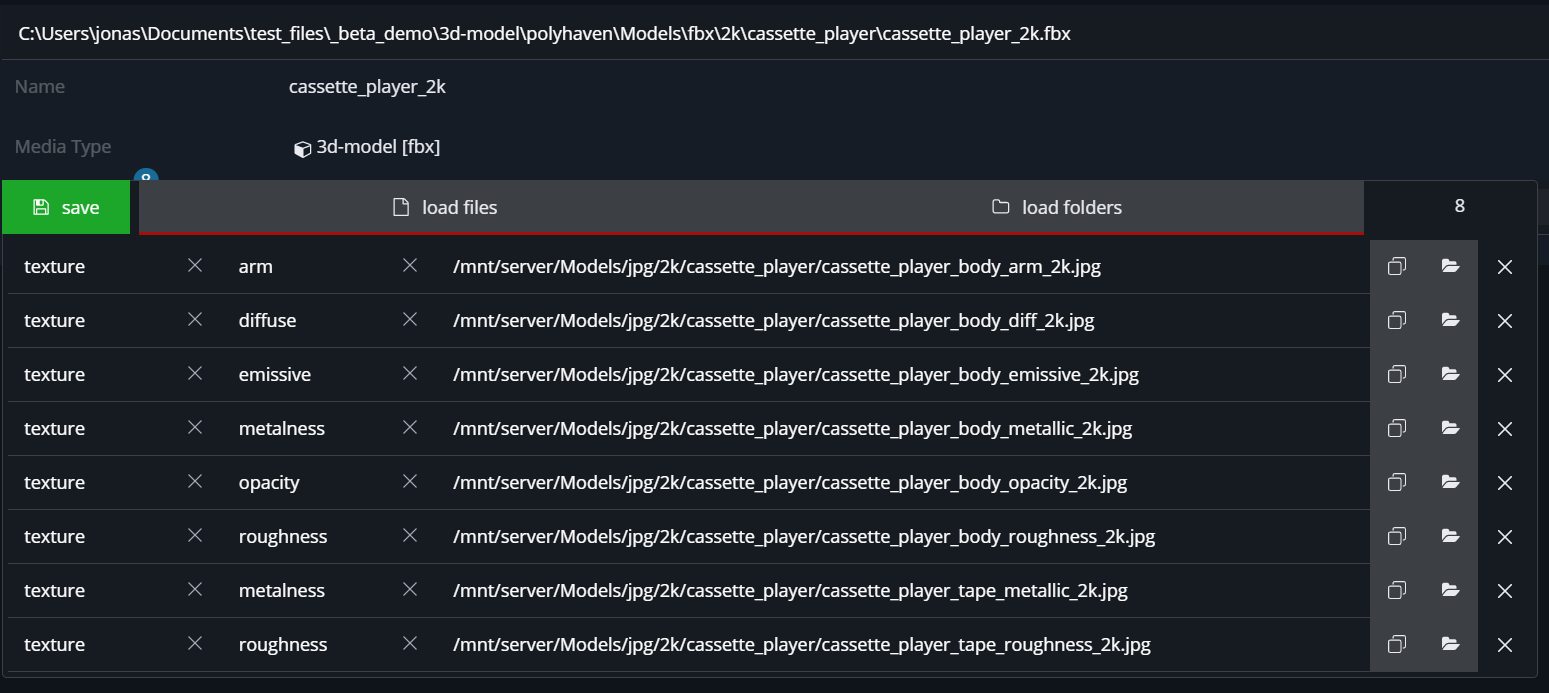
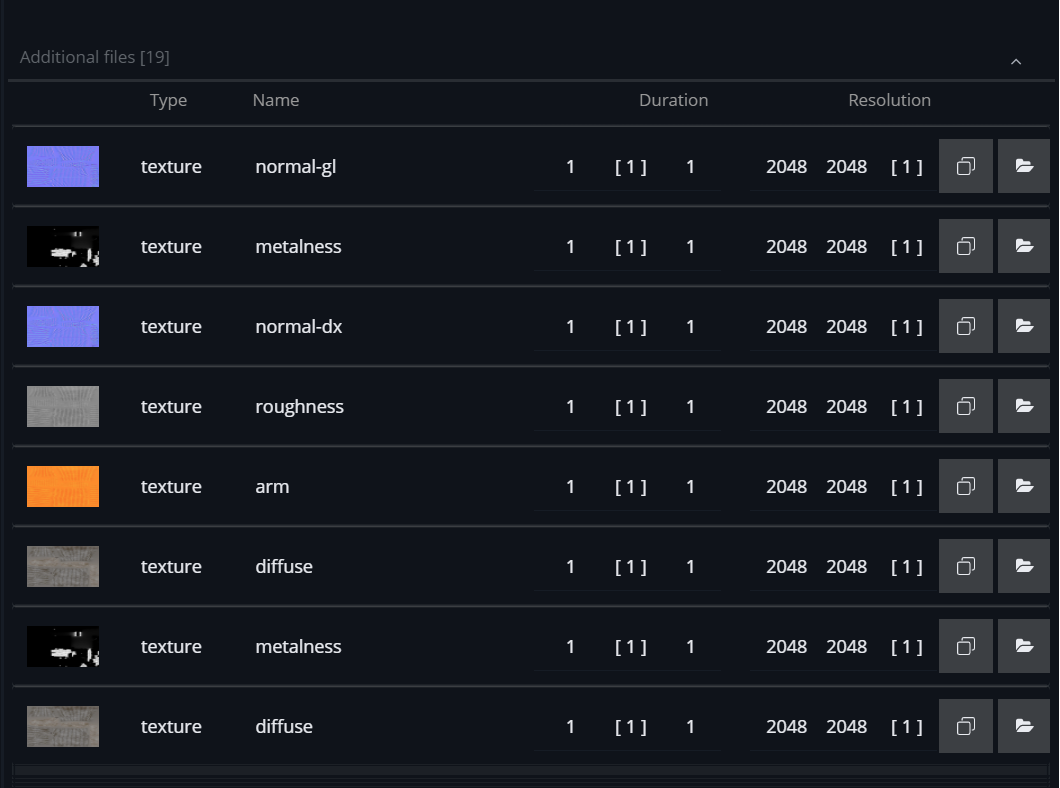
Adding additional files after the ingest
-
activate to the edit mode
-
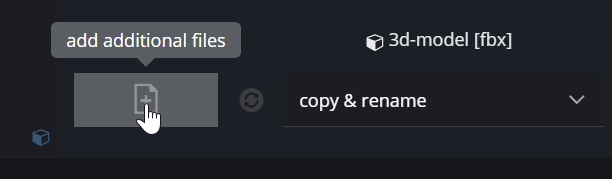
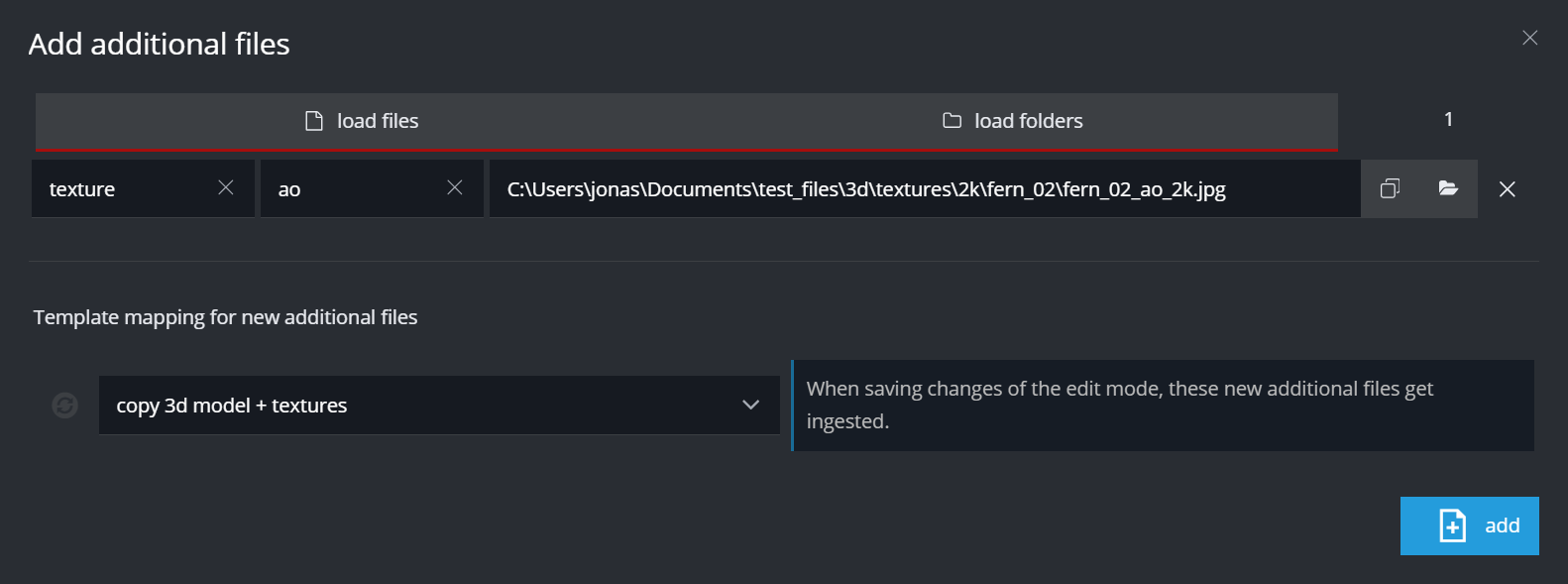
add new additional files in the dialog
-
either click or drag files on the button to open the dialog window
-
-
save the edit mode to trigger the ingest of the new additional files

Change additional files
The additional files can be changed after the ingest.
-
activate to the edit mode
-
make changes to additional type or name
-
save the edit mode
-
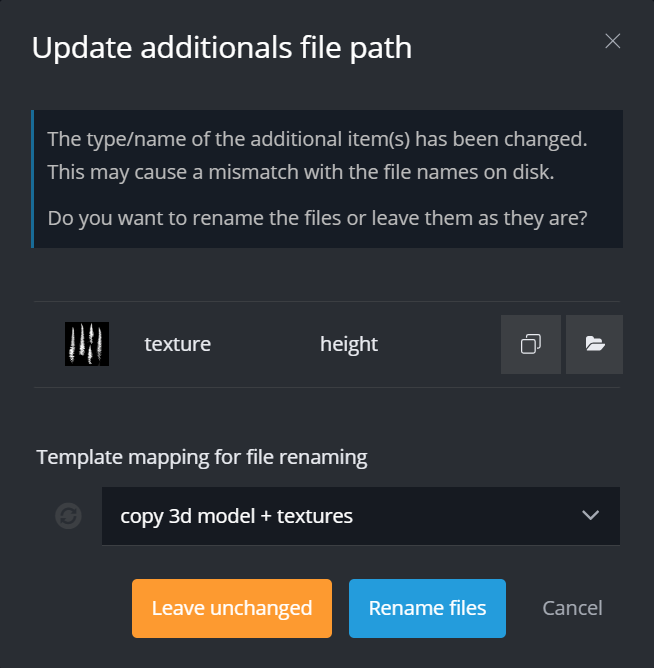
two options:
-
rename the files on disk
-
only update database
-
-