

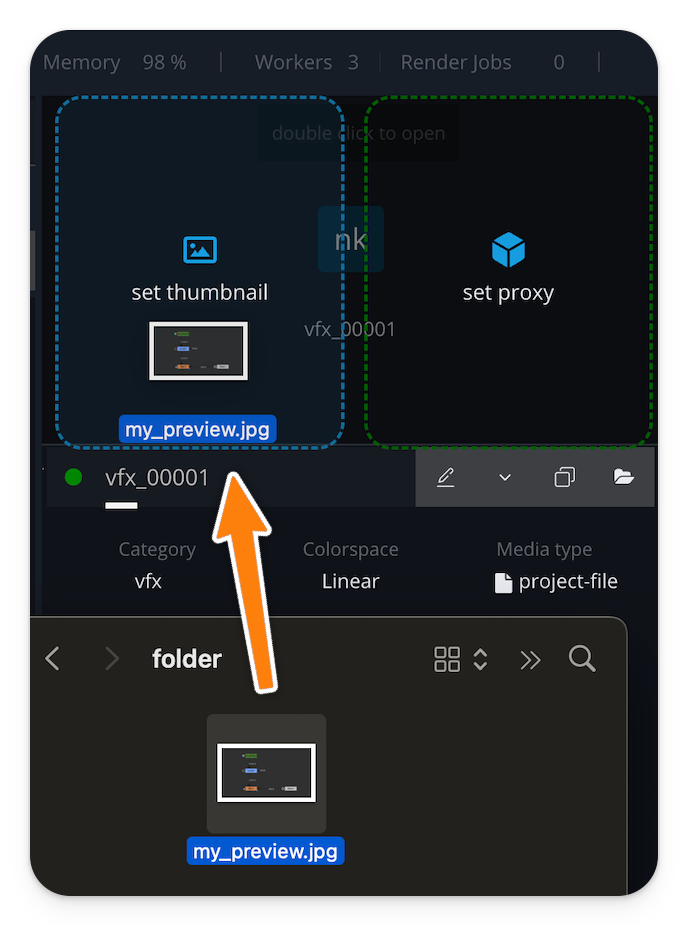
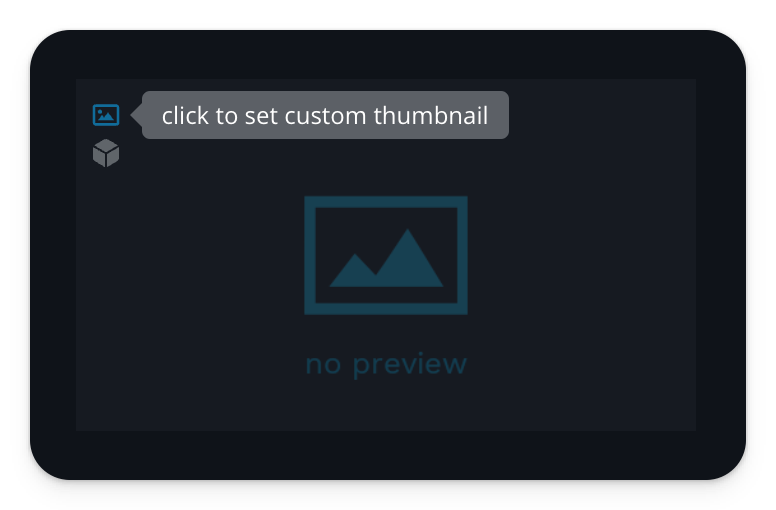
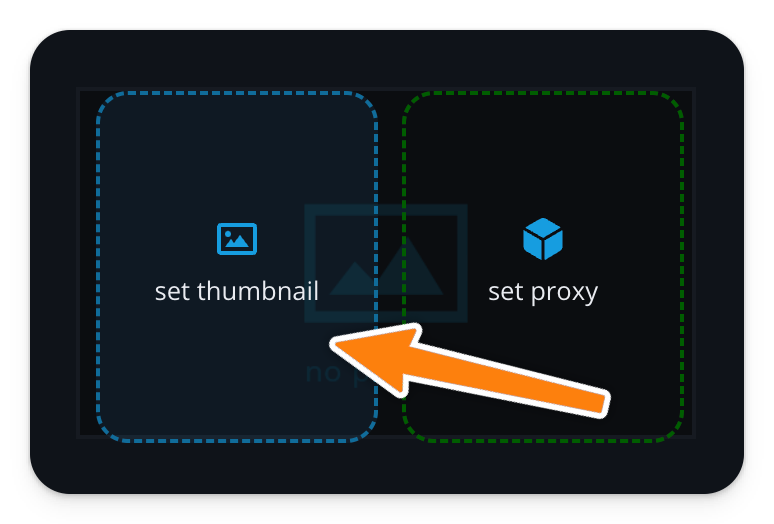
You have multiple ways to customize an element’s thumbnail preview. You can set it during ingestion in the Ingest View or later in the Gallery View. Just drag and drop any media file over the preview in the element's details view and you can even use a movie or sequence file.
This will overwrite any existing thumbnail of the element.
Gallery View
Ingest View
Python Hook
Settings a custom preview can be automated by using the pre load ingest hook.
Example pre_ingest_load.py:
Python
import sys

def main(*args, logger=None):
    items = args[0]

    for item in items:
        # define custom thumbnail
        item['path_thumbnail'] = '/path/to/custom/thumbnail.jpg'

    return items

if __name__ == '__main__':
    main(sys.argv[1:])