

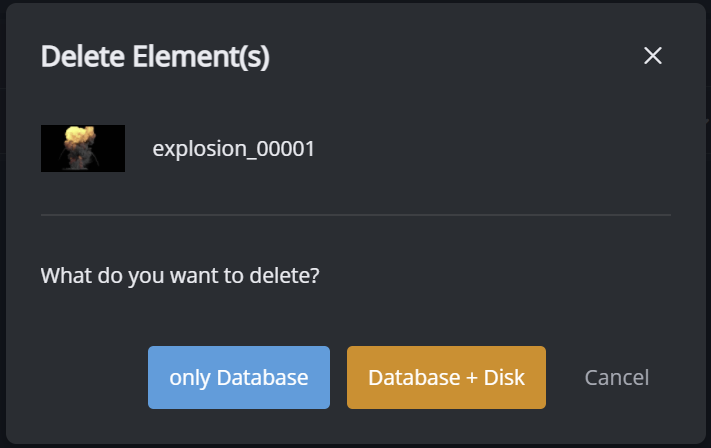
There are two options to delete an element from the library:
-
only from the database (keeps the file on disk)
-
from the database and the file on disk
How to delete element(s)
with the GUI
-
go to Gallery view
-
select element(s) you want to delete
-
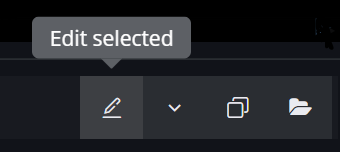
go to edit mode
-
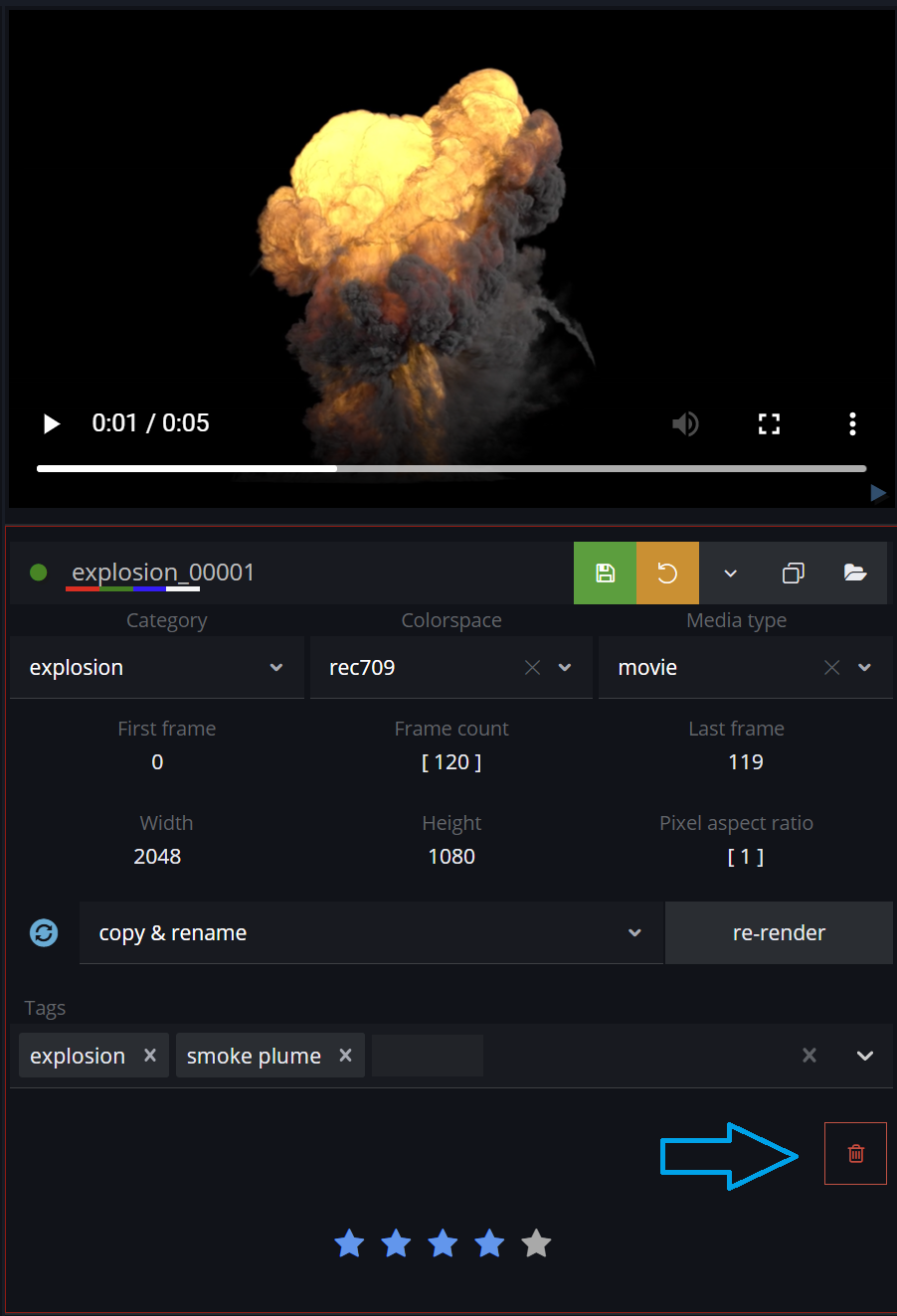
click Delete Element button
with the API
-
use the CLI version
-
delete an element by its
UUID -
Windows:
das-element-cli.exe delete-element 0186e9be35a330e468312ca02ef6ebe4 --database --disk -
Linux/MacOS:
das-element-cli delete-element 0186e9be35a330e468312ca02ef6ebe4 --database --disk
There are two flags (they can be used together):
--database set this flag to delete data from the database
--disk set this flag to delete all element files from disk